README card · free · no sign-up
Your GitHub profile, as a building
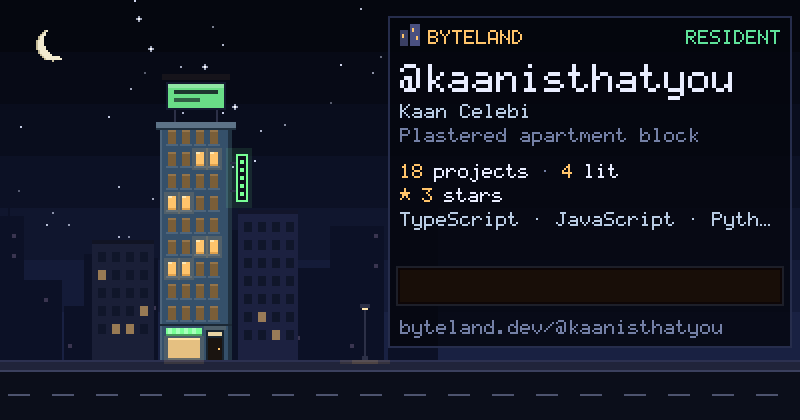
Byteland draws every developer as a building in a night city. Each repository is a room; the ones you pushed to this month have their lights on. Type a username and put the result on your profile.
Paste into your profile README
Your profile README is the repository named after you (github.com/you/you). The card refreshes on its own as you push.
How to read a building
- Lit window: a repository you pushed to in the last 30 days.
- Dim window: a repository resting for now.
- Dark window: an empty room, space to grow.
- LED sign: residents write their own; until you move in it says Move in free.
Move in
Sign in with GitHub and the building is yours: pick a style (Brooklyn, Tokyo, Cyberpunk…), write your LED sign, put a poster on the roof, and stand next to the developers who moved in before you. Every project gets a room with chat, a forum and a voice channel.
Made by @kaanisthatyou. Cards are drawn on the server from public GitHub data and cached for half an hour. Privacy · API and MCP