README card · free · no sign-up
Your GitHub profile, as a building
Byteland draws every developer as a building in a night city. Each repository is a room; the ones you pushed to this month have their lights on. Type a username and put the result on your profile.
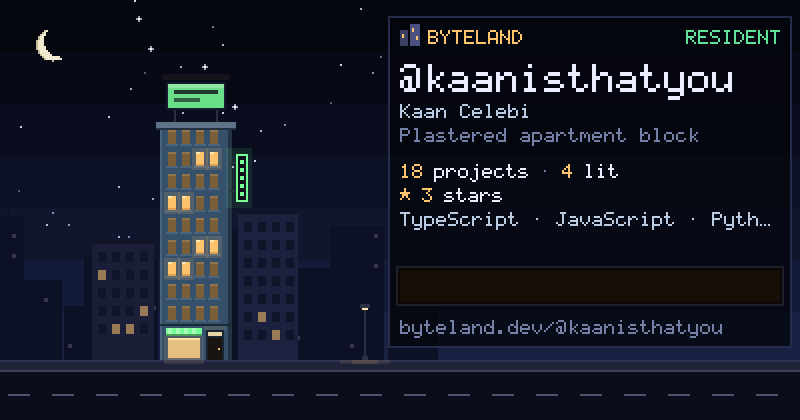
Paste into your profile README
Your profile README is the repository named after you (github.com/you/you). The card refreshes on its own as you push.
New: your year in lights
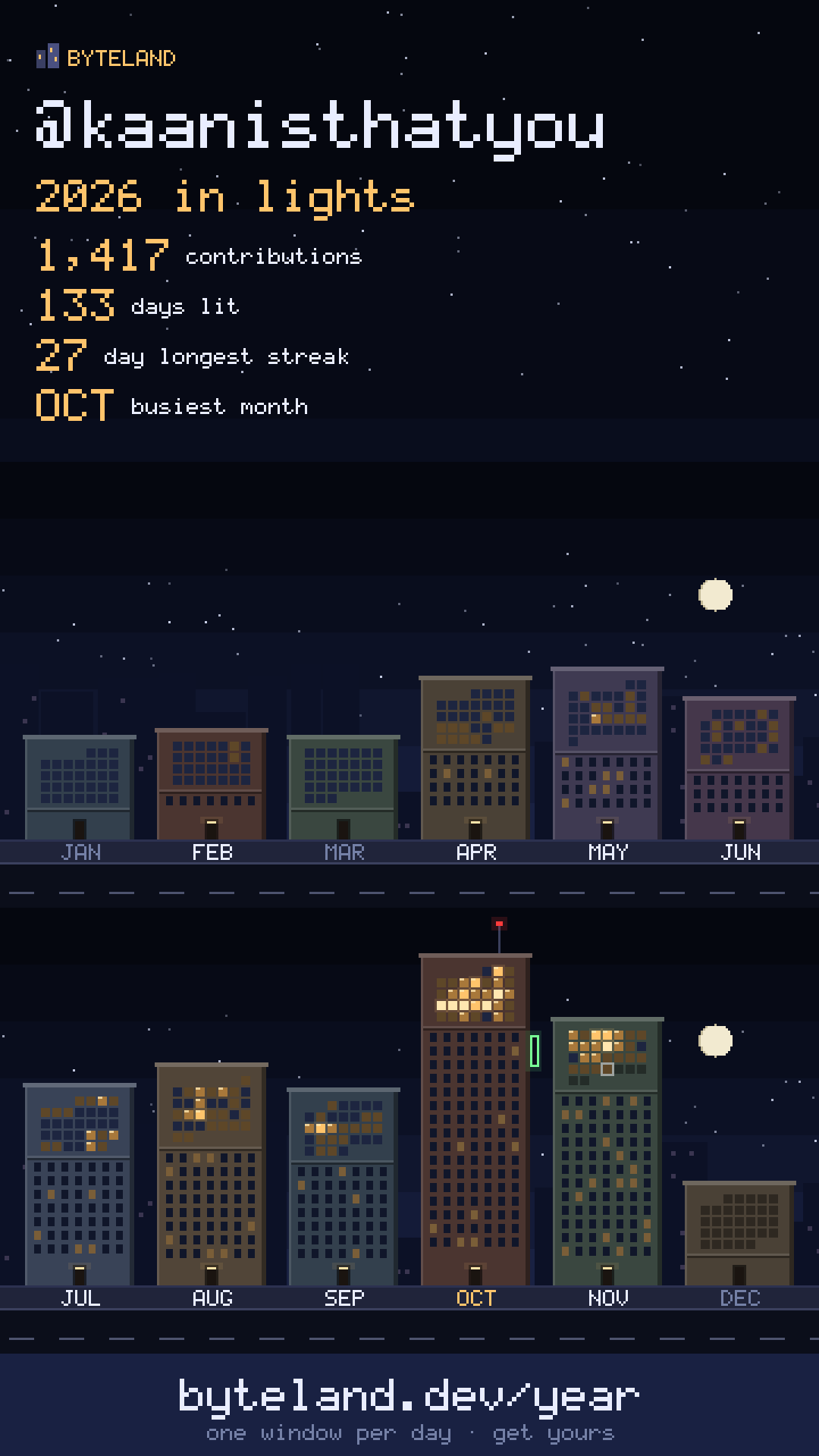
Twelve buildings, one per month. The top floors are the month's calendar, one window per day, lit by how much you shipped that day. The busiest month gets the mast. It follows your GitHub contributions and fills up as the year goes.
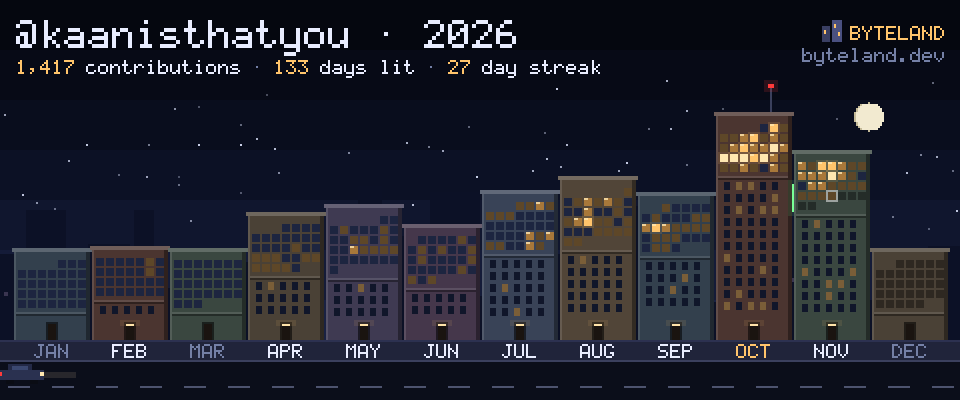
Streets you built on this year
New: your repository, as a street
One building per contributor, lights on for whoever pushed this month. A free image for the project's README.
How to read a building
- Lit window: a repository you pushed to in the last 30 days.
- Dim window: a repository resting for now.
- Dark window: an empty room, space to grow.
- LED sign: residents write their own; until you move in it says Move in free.
Move in
Sign in with GitHub and the building is yours: pick a style (Brooklyn, Tokyo, Cyberpunk…), write your LED sign, put a poster on the roof, and stand next to the developers who moved in before you. Every project gets a room with chat, a forum and a voice channel.
Made by @kaanisthatyou. Cards are drawn on the server from public GitHub data and cached for half an hour. Privacy · API and MCP